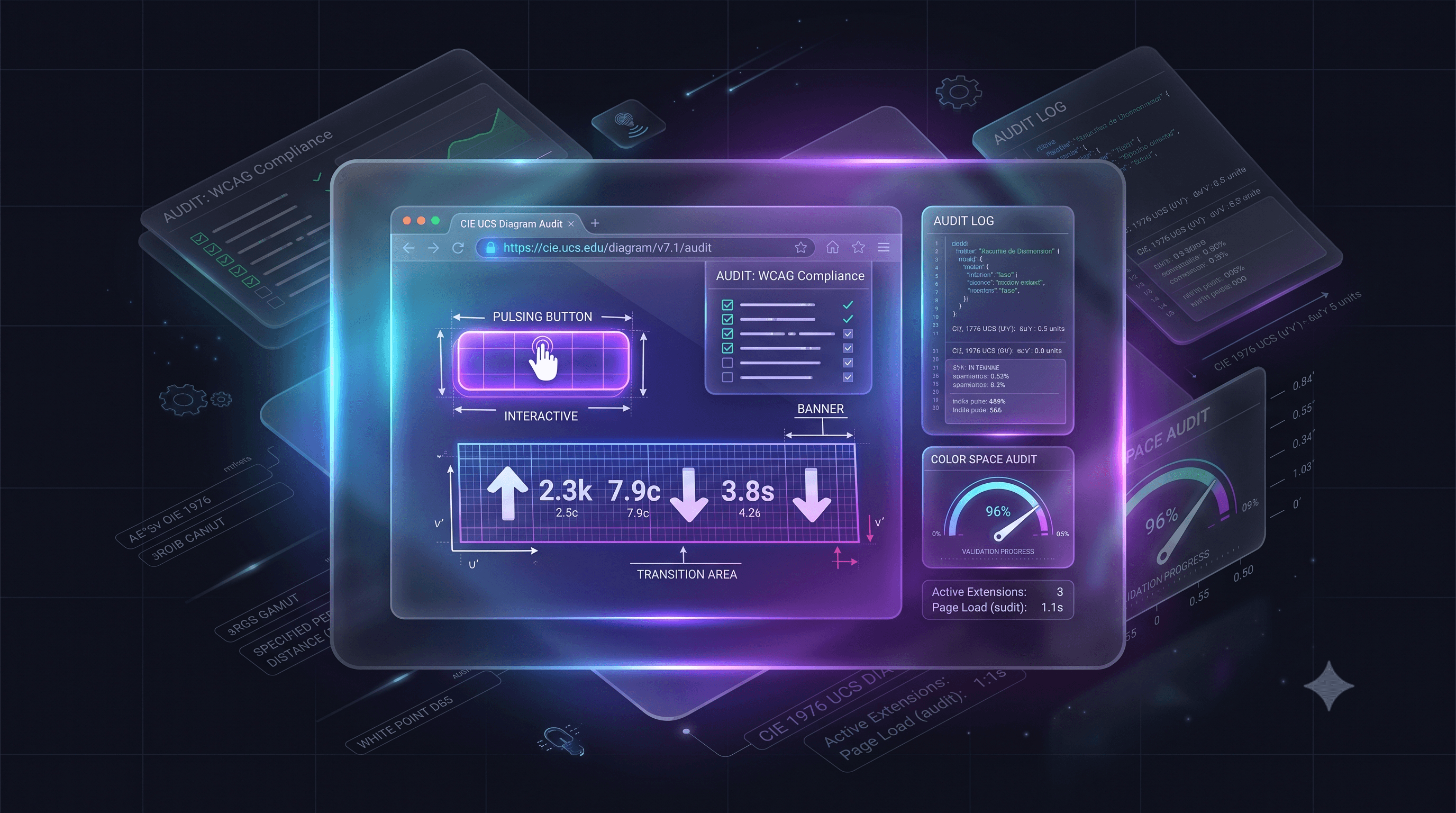
A Brand’s Guide to Photosensitive Safety in 2026
- Legal Standard: WCAG 2.1 Level AA (including the 2.3.1 Three Flashes rule) is the explicit legal baseline under ADA Title II as of April 2026.
- Audience Safety: Preventing photosensitive seizures is a basic responsibility, shifting the industry from warning labels to active prevention.
- Technical Compliance: Content must not flash more than three times per second or exceed specific luminance and red-flash thresholds.
- Automated Auditing: Checking by eye cannot catch quick, frame-by-frame shifts. You need automated scanning tools to ensure compliance.
In the online space of 2026, accessibility has grown from a technical "best practice" into a basic responsibility. As video becomes the main way for brands and government agencies to connect with their audience, ensuring your media is safe is a powerful way to build trust and protect your community.
For brands, government websites, and creators, the goal is simple: inspire your audience without causing physical harm.
#Why Safety is the New Standard of Care
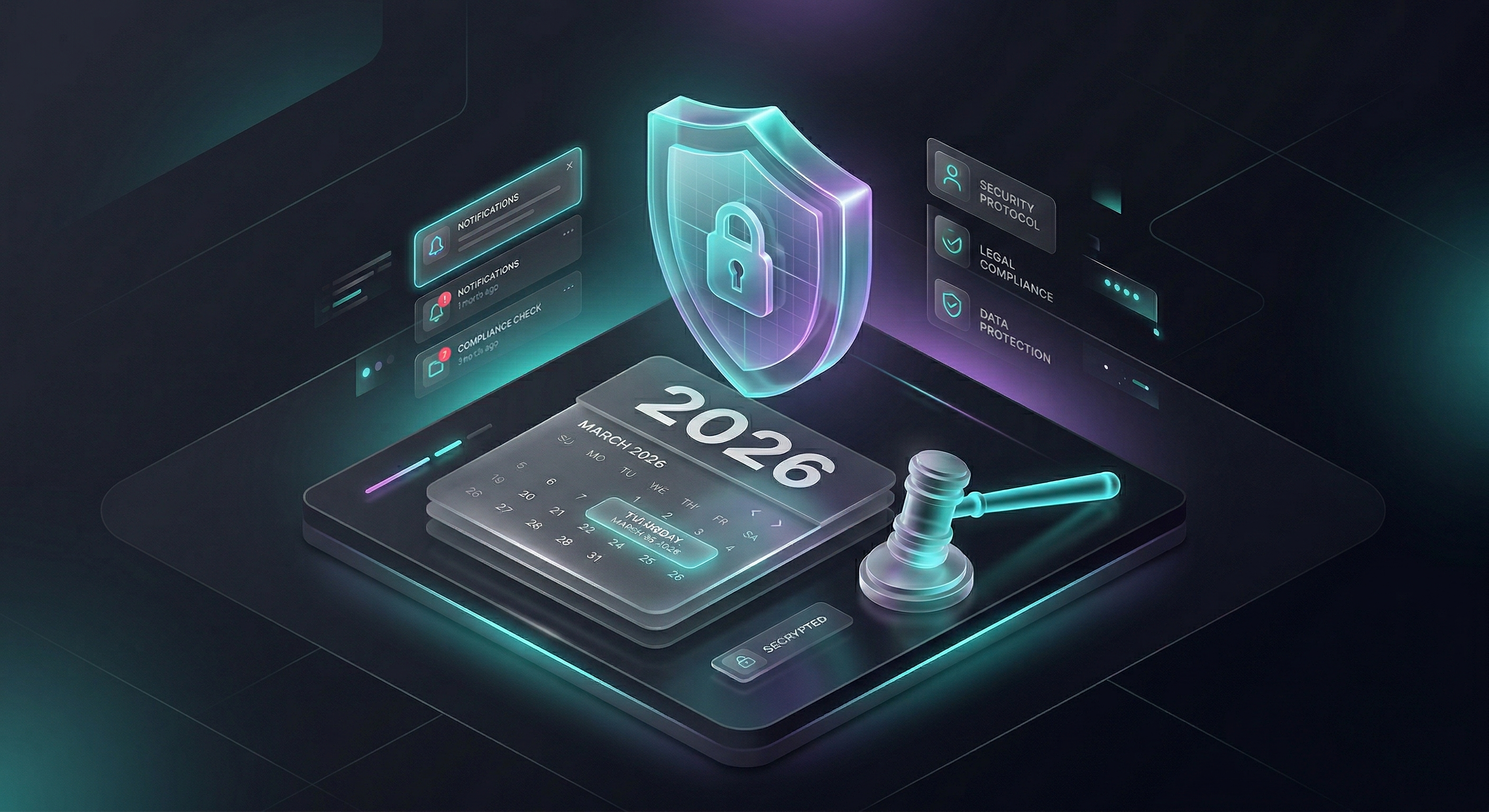 The DOJ Title II mandate sets WCAG 2.1 Level AA as the legal standard.
As of April 24, 2026, the Department of Justice (DOJ) Title II mandate has set WCAG 2.1 Level AA as the legal baseline for digital content. While this directly impacts public entities, it shows what is expected from private businesses too.
#Real-World Lessons
The shift toward automated safety is driven by a commitment to prevent avoidable tragedies:
- The Pokémon "Porygon" Legacy: The 1997 incident that hospitalized hundreds is a clear example of why we need to block rapid flashing (specifically at 12Hz).
- Zach’s Law: In the UK, the Online Safety Act (Zach’s Law) made it a crime to share flashing videos that can cause harm.
- The Georgia School Incident (November 2023): A sad case where an 11-year-old student suffered a fatal seizure after using a digital device that triggered a photosensitive reaction. This showed the need for "Safe by Default" digital tools in education and public spaces.
- The O2 Priority Incident: In 2024, a major brand had to withdraw a high-profile advertisement after reports of seizures, proving that even professionally produced content can contain hidden technical triggers if not properly scanned.
#How to Protect Your Brand and Audience
Keeping your users safe is easy when you use the right tools. By testing your video with software instead of just checking by eye, you can make sure it is safe before publishing.
#1. Follow the "Three Flashes Below Threshold" Rule (WCAG 2.3.1)
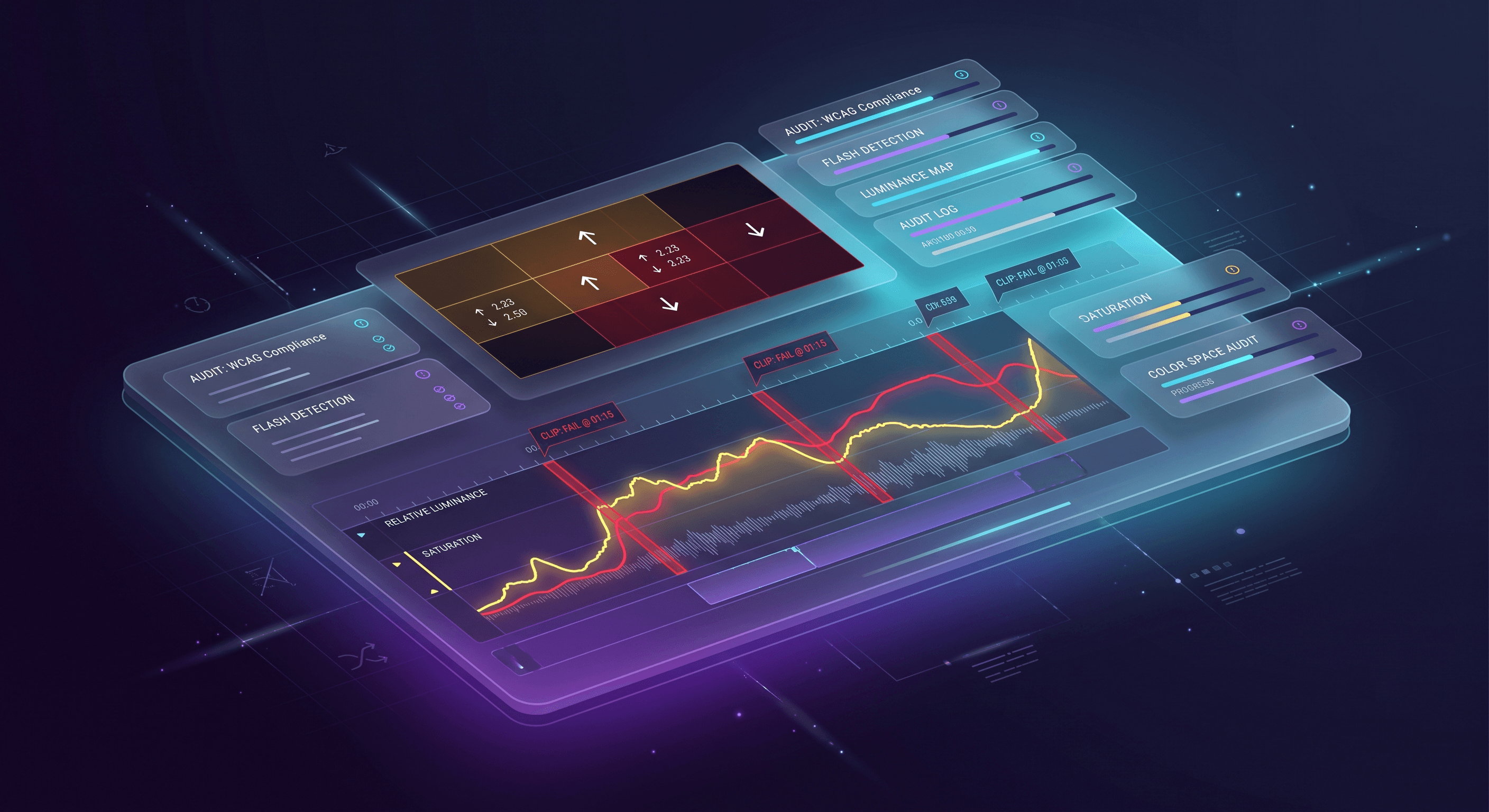
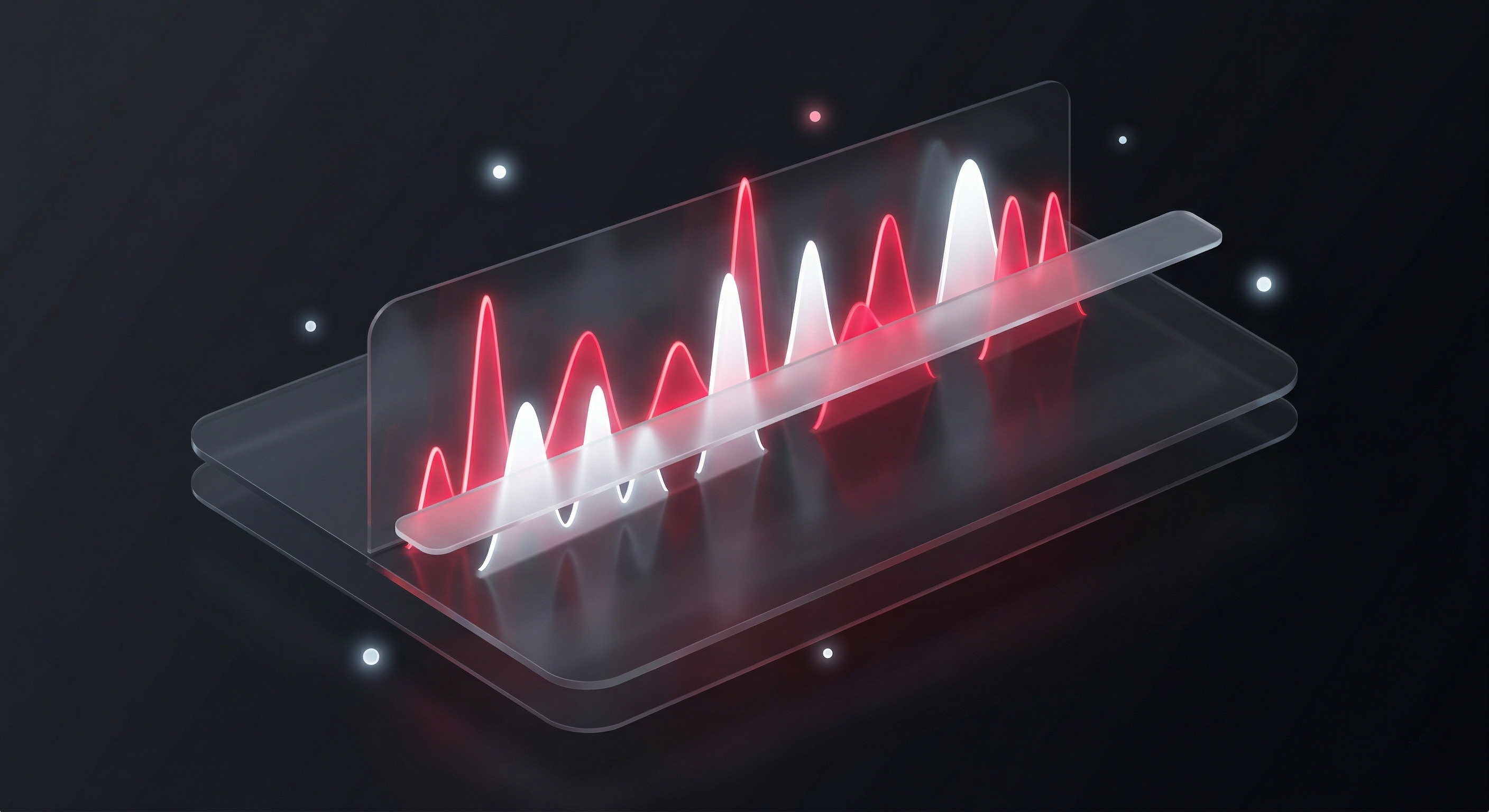 Visualizing the 3-flashes-per-second limit against high-contrast luminance and red transitions.
The primary safety rule is Success Criterion 2.3.1. It ensures content does not flash more than three times in any one-second period.
- General Flash: Avoid large-scale changes in brightness that trigger a reaction.
- Red Flash: Be especially cautious with saturated red transitions, as these are highly likely to trigger a seizure.
#2. Move Beyond Warnings
Flashing light warning labels are not enough because a person might not see the warning before the video starts. Accessibility experts now recommend fixing the video instead of just warning people. The goal is to ensure the video is safe enough that a warning is not necessary.
#3. Use Reliable Scanning Tools
Checking by eye cannot catch the frame-by-frame brightness shifts that trigger seizures. Use these tools to check your content:
- Harding FPA: A long-standing industry standard used primarily in broadcast television for photosensitive epilepsy analysis.
- Video-Audit.com: A modern, web-based solution built to help brands and government sites quickly scan video, GIFs, and animations for compliance.
- PEAT (Photosensitive Epilepsy Analysis Tool): A free software tool developed by the Trace R&D Center that established the benchmark for accessibility testing. It remains an excellent baseline, though it is optimized for standard uncompressed formats rather than modern high-framerate or 4K web codecs.
#The Benefits of Inclusive Content
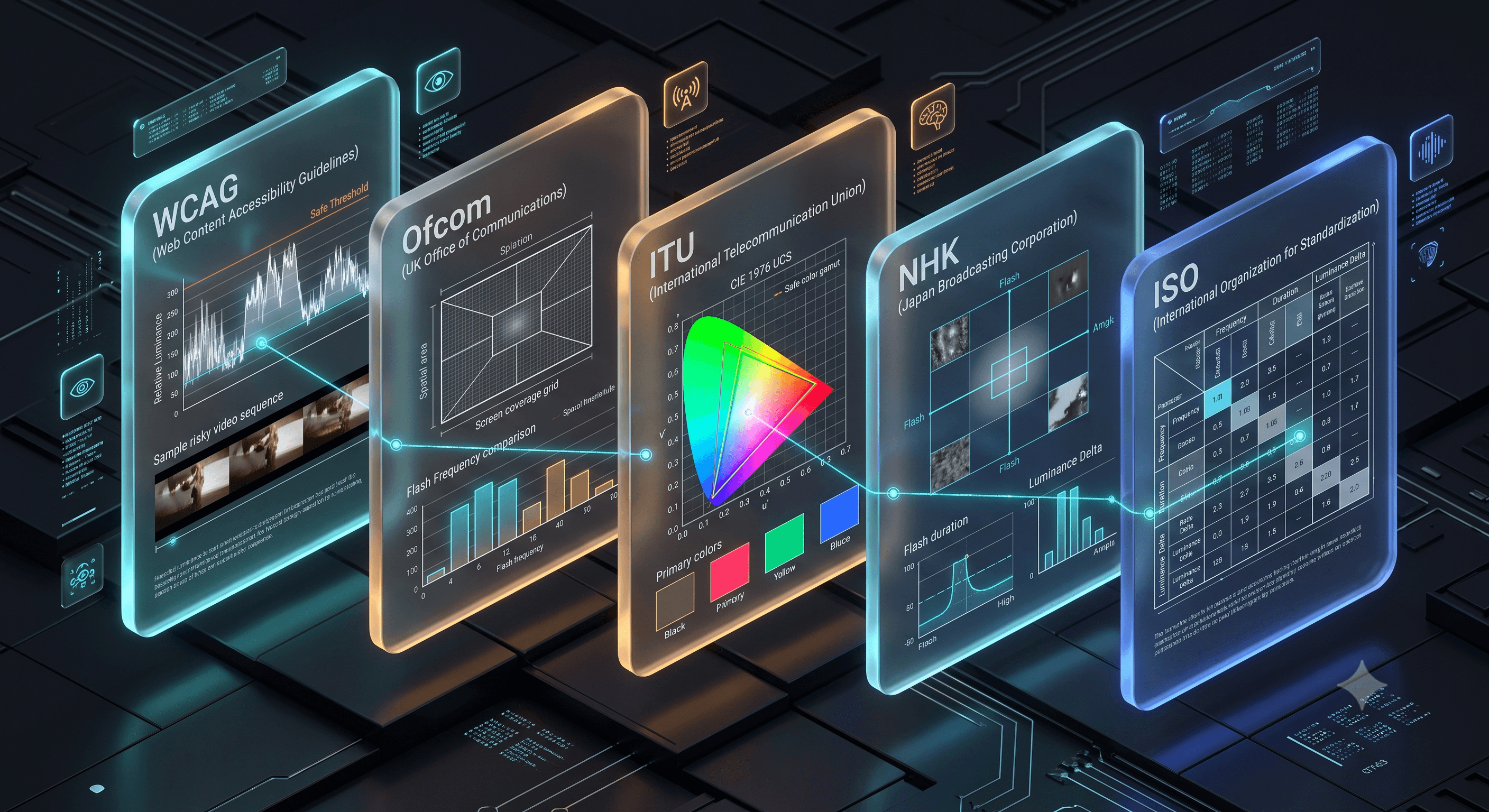
 Unifying compliance for international mandates like ADA Title II to Zach's Law under one screening standard.
Making your content safe is a great way to show you care about your audience. By testing your videos automatically, you can:
- For government Agencies: Ensure vital public services are accessible to the 3% of people with epilepsy who are photosensitive.
- For Content Creators: Have peace of mind that your work reaches everyone.
- For Global Brands: Follow global laws (from the US DOJ to the UK’s Zach’s Law) through one unified safety standard.
#Conclusion: Safety is a Design Choice
The most successful brands make sure their videos are safe for everyone. Following the 3-flash rule is a basic part of building an accessible website. By scanning your videos before publishing, you protect both your audience and your brand.
#Frequently Asked Questions (FAQ)
WCAG Success Criterion 2.3.1 is a Level A accessibility standard. It requires that web pages and videos do not contain anything that flashes more than three times in any one-second period, or that any flashing remains below general and red flash safety thresholds.