WCAG 2.3.1 for Social Media Video: Testing TikTok, Reels, and Digital Ads for Seizure Triggers
- The hidden trigger: Fast cuts, beat strobes, and glitch transitions that repeat more than three times a second can trigger epileptic seizures and vestibular migraines.
- Warning labels do not work: Adding "Warning: Flashing Lights" does not satisfy WCAG. The brain reacts to strobe effects in 200 to 400 milliseconds, long before a viewer can swipe away.
- Legal consequences: US government agencies and contractors face strict ADA Title II compliance deadlines, while the UK's "Zach's Law" makes harmful flashing content a criminal offense.
- Easy editing fixes: You do not need to abandon energetic editing. Smoothing a flash over 4 to 6 frames or keeping strobe effects small easily brings content into compliance.
Short-form video feeds like TikTok, Instagram Reels, and YouTube Shorts prioritize rapid pacing. Quick cuts, strobe overlays, whip transitions, and glitch animations are popular editing techniques used to capture viewer attention in the opening seconds.
However, these rapid transitions frequently violate WCAG 2.3.1 (Three Flashes or Below Threshold). For the roughly 1 in 4,000 people living with photosensitive epilepsy, and millions more who suffer from light-triggered migraines, sudden flashing in an auto-playing feed can cause disorientation, severe headaches, or an unexpected seizure.
With stricter digital accessibility laws taking effect across the US and Europe, creative agencies, brands, and motion designers need to make sure their video edits are safe before posting.
#Editing techniques that fail safety checks
Most editors do not set out to make hazardous videos. Violations almost always happen because standard timeline presets and effects push brightness changes beyond biological limits:
When someone scrolls through social media on a phone held a foot from their eyes, that screen covers a large portion of their vision. A full-screen flash on mobile easily covers more than 25% of the user's field of view.
#Why trigger warnings do not satisfy accessibility standards
A common mistake among video editors and social media teams is assuming that adding a text warning, such as "TW: Flashing Lights", protects them from criticism or legal liability.
In practice, warning labels fail for three clear reasons:
- The brain reacts faster than your fingers: Visual seizure triggers cause synchronized brain wave spikes within 200 to 400 milliseconds. Human motor reaction time (the duration required to read on-screen text and swipe to skip the video) is roughly 500 to 800 milliseconds. The seizure trigger hits before the viewer can physically look away.
- Social feeds auto-play: Platforms like Instagram and TikTok begin playing videos immediately as the user scrolls into view. Flashing in the opening seconds delivers the stimulus before the user even notices a text overlay.
- WCAG does not permit warning exemptions: WCAG 2.3.1 is a non-interference rule. Under accessibility standards, a page or video either passes the flash threshold or fails. Adding a warning note does not turn a failing video into a passing one.
#Digital video accessibility laws and regulations
Digital video accessibility is no longer just a voluntary recommendation. New legislation places direct legal responsibility on publishers and brands:
#1. United States: ADA Title II Final Rule
In April 2024, the US Department of Justice published its final rule under Title II of the Americans with Disabilities Act. It mandates that state and local government agencies, public universities, school districts, and their external creative agencies must follow WCAG 2.1 Level AA standards across all digital media.
Compliance deadlines begin in April 2026. Video campaigns, social ads, and online video assets that violate the 3-flash rule can lead to formal audits, civil complaints, or mandatory remediation costs.
#2. United Kingdom: Online Safety Act ("Zach's Law")
Named after Zach Eagling, a young boy with epilepsy who was targeted online with malicious flashing GIFs, "Zach's Law" makes it an explicit criminal offense to send flashing images electronically with the intention of causing harm. Offenses carry penalties of up to 5 years in prison.
For social platforms and commercial media companies, regulator Ofcom has the power to issue corporate fines of up to £18 million or 10% of global annual turnover for failing to protect users from hazardous content.
#What counts as a violation under WCAG 2.3.1
WCAG 2.3.1 evaluates flash safety using four specific measurements:
| Measurement | Safe Threshold | What It Means in Practice |
|---|---|---|
| Flash count | 3 or fewer flashes in any 1-second window | A flash is an up-and-down brightness pair. If your video changes brightness four times in one second, it fails. |
| Luminance difference () | A brightness shift of 10% or more counts as a flash, provided the darker frame has a relative luminance under 0.80. | |
| Screen area | Under 25% of any 10-degree visual cone | Small flashing details (like a phone notification badge or blinking eye) are safe. Full-screen strobes fail. |
| Saturated red | where | Red light targets retinal cones without triggering normal visual inhibition. Red transitions have much stricter limits. |
#How editors can fix flashing frames
You can keep a video punchy and energetic while staying compliant. A few targeted adjustments in Premiere Pro, DaVinci Resolve, or Final Cut bring flash rates into safe ranges:
1. Stretch the transition across 4 to 6 frames
Instead of jumping from pure black to pure white in 1 frame, soften the cut over 4 to 6 frames. The human eye still perceives a snappy flash, but the frequency drops below the dangerous 3 Hz threshold.
2. Confine the strobe to a smaller area
If you want a strobe light effect, don't flash the entire background. Place the strobe behind a character, inside a graphic frame, or in a lower-third. Keeping the flashing area under 25% of the frame passes the test.
3. Lower the contrast difference
Instead of flashing between RGB 0 (pure black) and RGB 255 (pure white), pull your white down to 80% and raise your black to 20%. The transition will still look intense, but the relative luminance delta stays under 0.10.
4. Desaturate flashing red tones
If a siren or red alarm is triggering a failure, shift the hue slightly toward amber/orange or drop the red channel saturation so that falls below 0.80. This allows it to be evaluated under general luminance rules instead of the strict red flash rule.
#Adding seizure checks to your delivery workflow
Trying to check video for 10% brightness shifts by eye is impossible. Frame transitions happen in 16 to 33 milliseconds, and human eyes cannot reliably gauge relative luminance deltas.
The most practical workflow for creative teams is:
- Export your cut as an MP4 or ProRes file from your editing software.
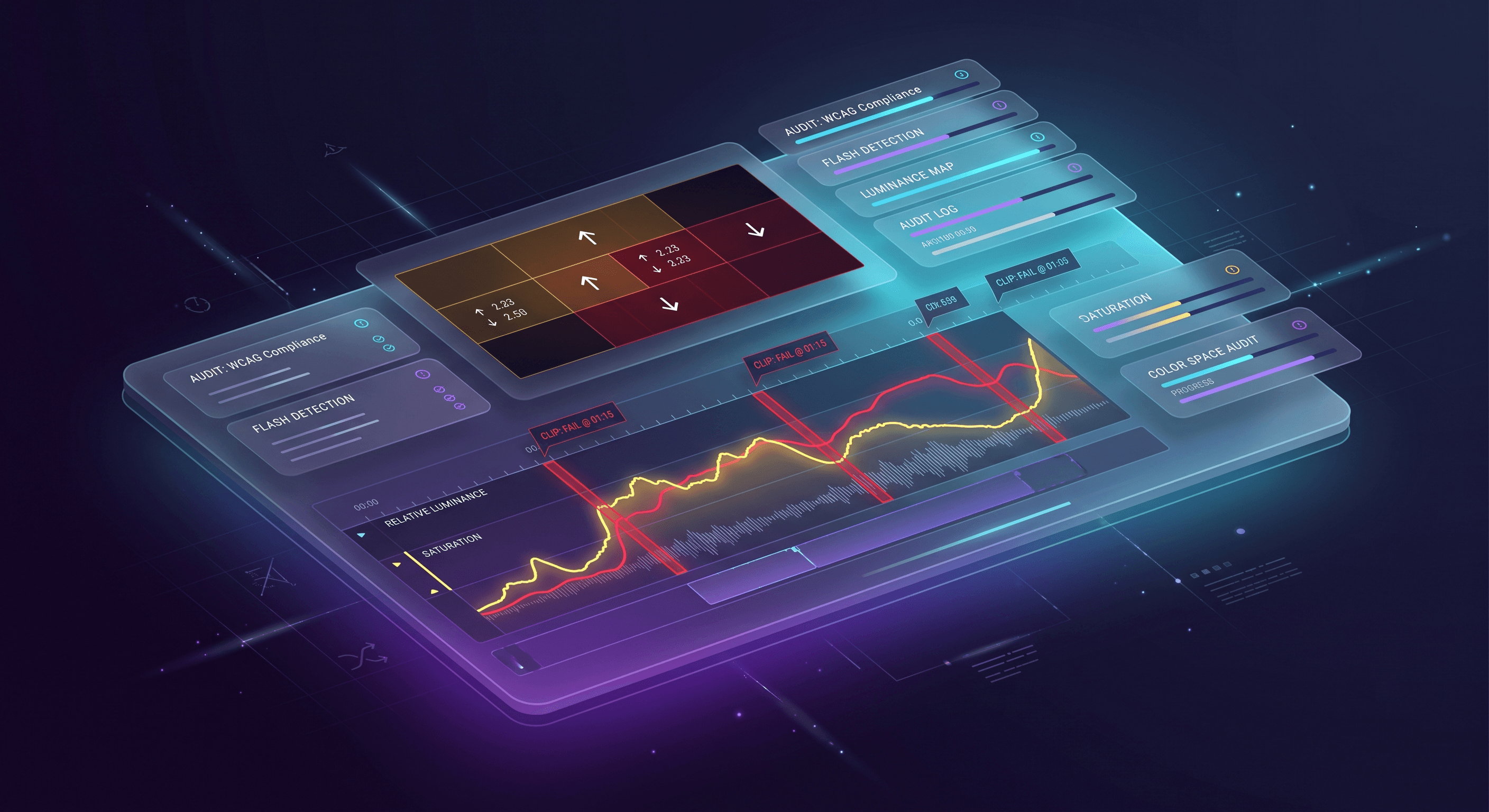
- Drop the video into Video Audit. The browser analyzer reads frames locally on your computer using WebAssembly, giving you an immediate waveform and pass/fail status.
- Review any red warnings. If a hazard is detected, the timeline shows you the exact second and highlights the problem pixels on a 16x12 overlay.
- Make a 2-minute adjustment on your timeline and export your clean deliverable.
Running an automated check before publishing social media videos protects viewers with photosensitive conditions and prevents costly accessibility disputes.